Reading news and events
Where announcements, articles and events are published, and how to move through them.
News and events are open to everyone — no account is needed to read them.
News
The News page lists published articles as cards, each with its title, publication date and the opening lines of the article.
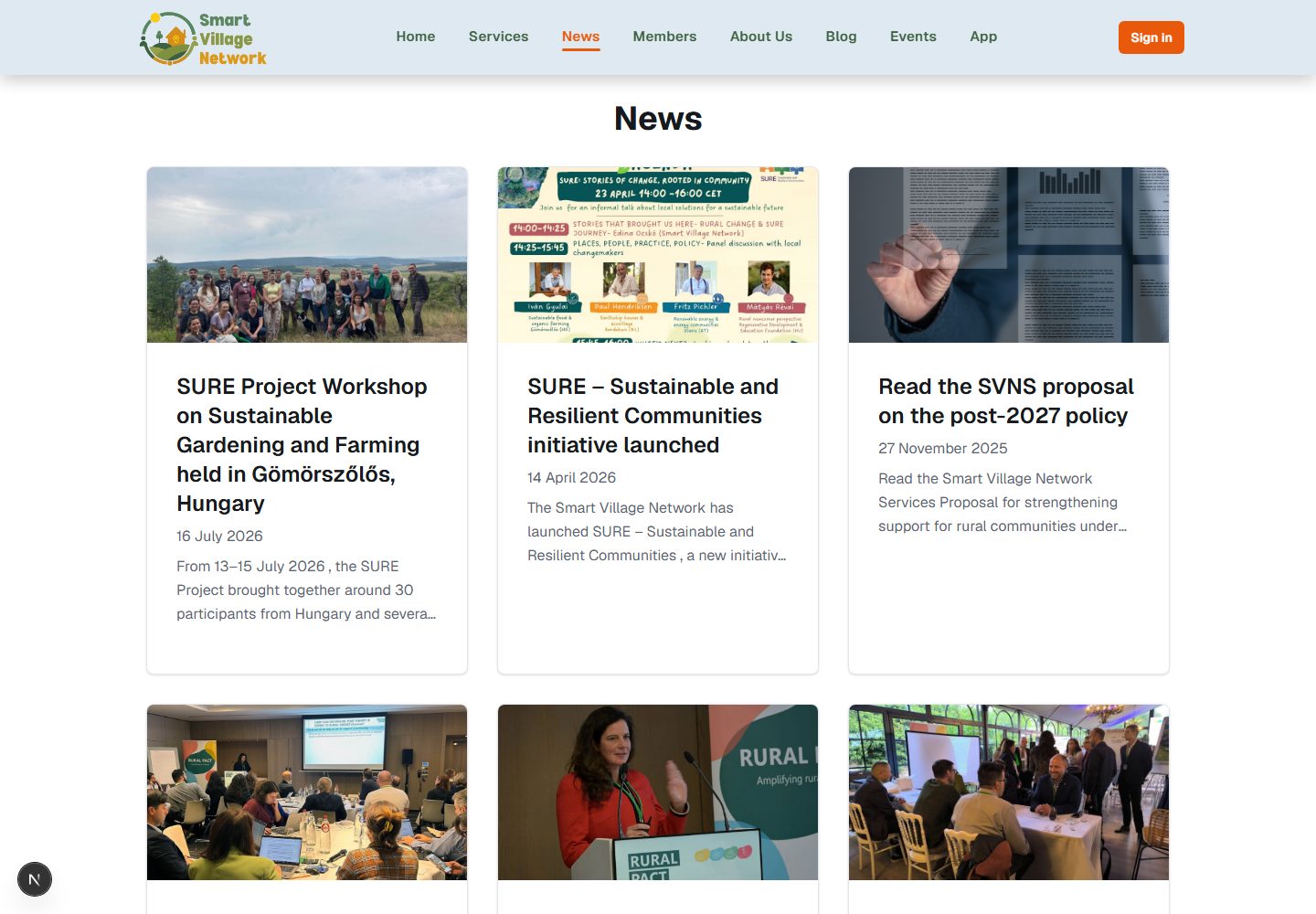
Select a card to read the full article; the pagination controls below the list move between pages of results, with Next and Prev greyed out at the ends.
Events
The Events page is divided into Upcoming Events, ordered by start date, and Past Events, most recent first. Cards show the title, dates and location where one is recorded; opening a card shows the full description.
Note An empty section says so plainly — No Upcoming Events or No past events to display — meaning nothing is published for that period, not that the page failed; events not marked for publication are never listed. The News page also carries a newsletter subscription field at the bottom.